


One panel for all rooms
Add every TV to a single account, name it by room and see its status and license expiry at a glance.
FLY Player Pro turns the Smart TVs in your rooms into one managed system — add every device to a single web panel, assign playlists, send messages to guests and put your logo on every screen.

Available on
Whether you run a boutique hotel, a roadside motel, a busy hostel or a resort — manage all your room TVs from one web panel, without walking from room to room.
Add every TV to a single account, name it by room and see its status and license expiry at a glance.
Send welcome notes, announcements or offers straight to room TVs — as text, optionally with a video.
Upload your own logo so every TV shows your property's brand instead of ours.
22+ interface languages, so international guests feel at home from the first click.
Lock playlists and channels with a PIN, so guests use the TV only the way you set it up.
LG webOS, Samsung Tizen, Android TV and Fire TV — no extra set-top box needed on supported Smart TVs.
Get FLY Player Pro from the TV's app store, Google Play, AppGallery or with the Downloader code.
Each TV shows its MAC and PIN — add them all to your account on app.flyplayer.pro and name them by room.
Assign your playlist, add your logo and send messages to guests — all remotely, at any time.
Fast, fluid and fully under your control — every feature designed for the big screen.
A clean, cinematic interface that feels at home in any living room.
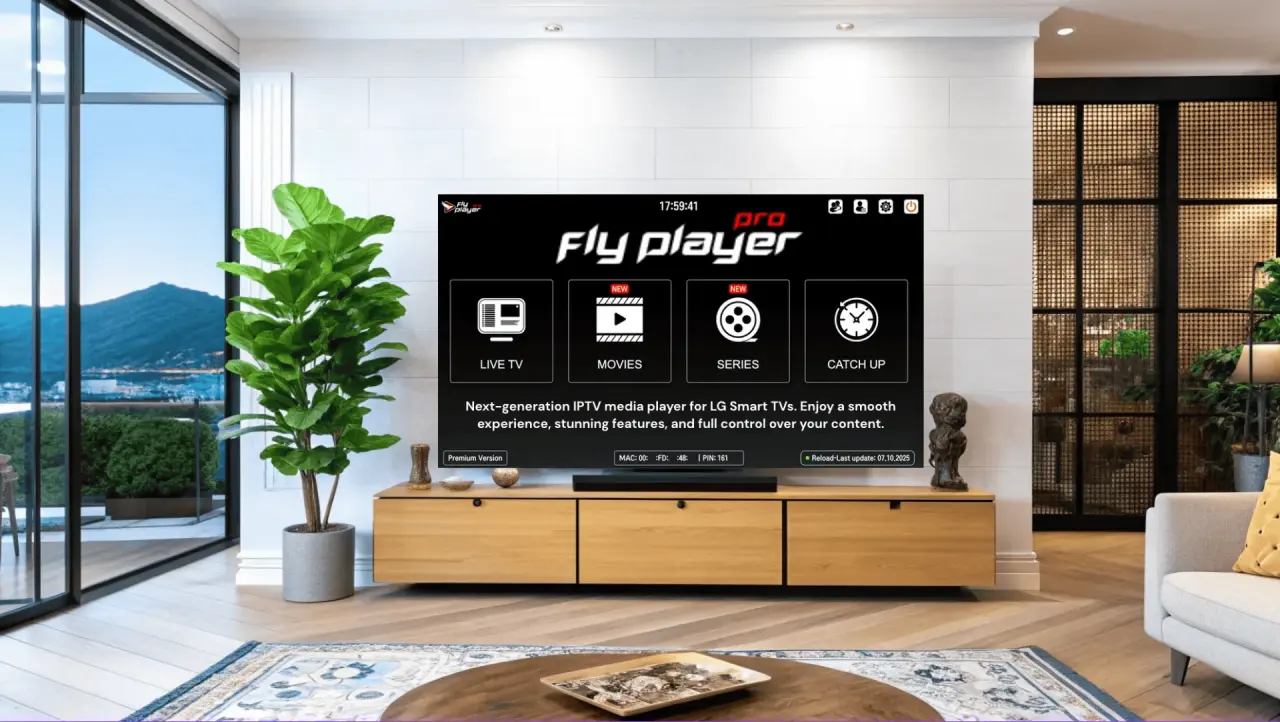
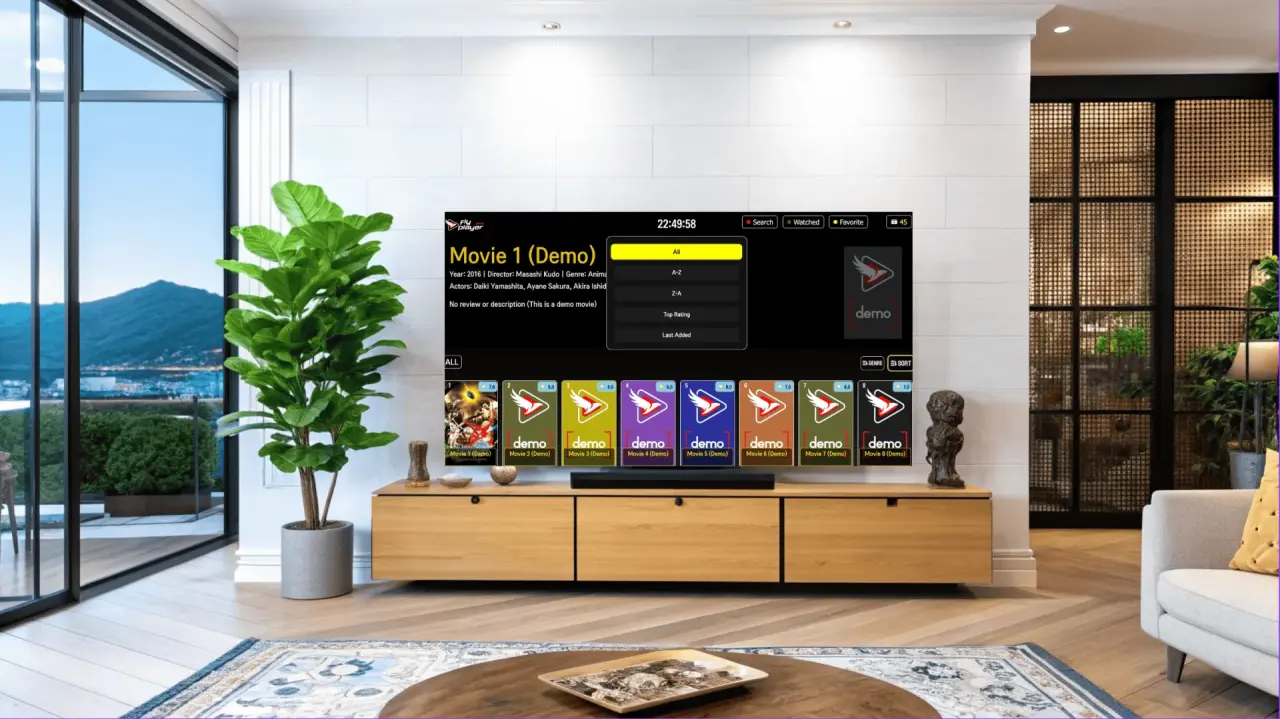
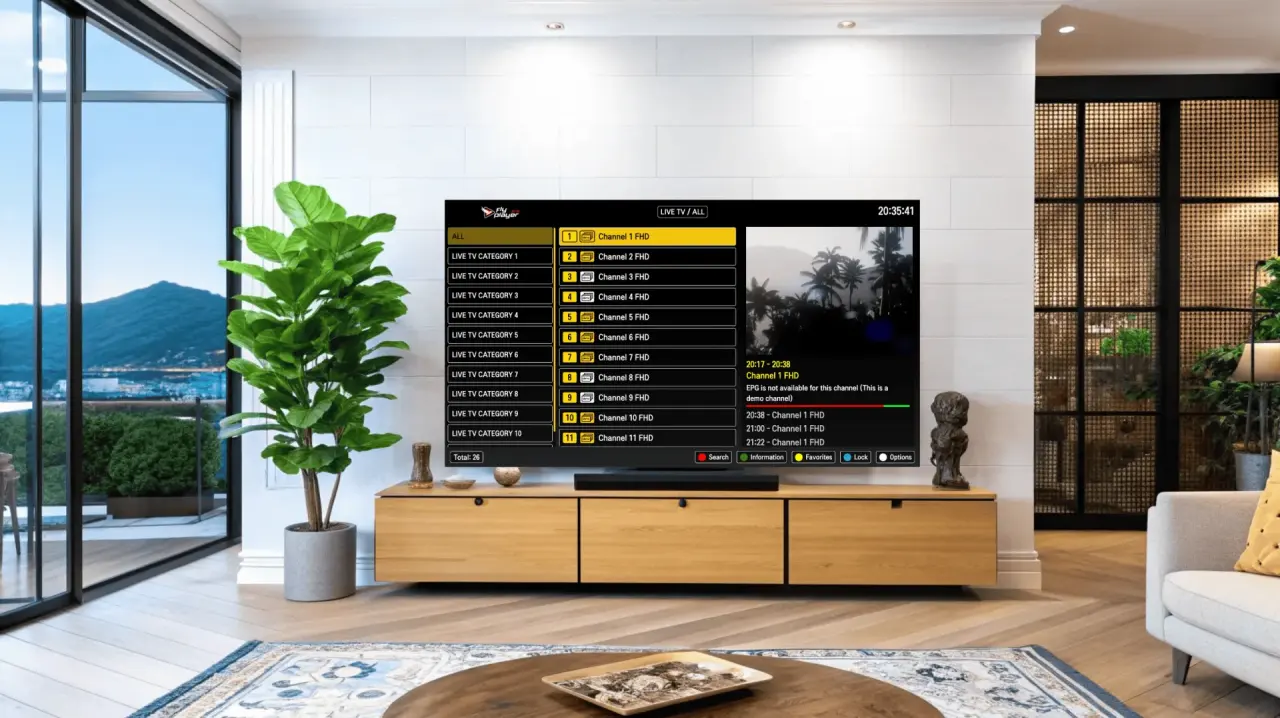
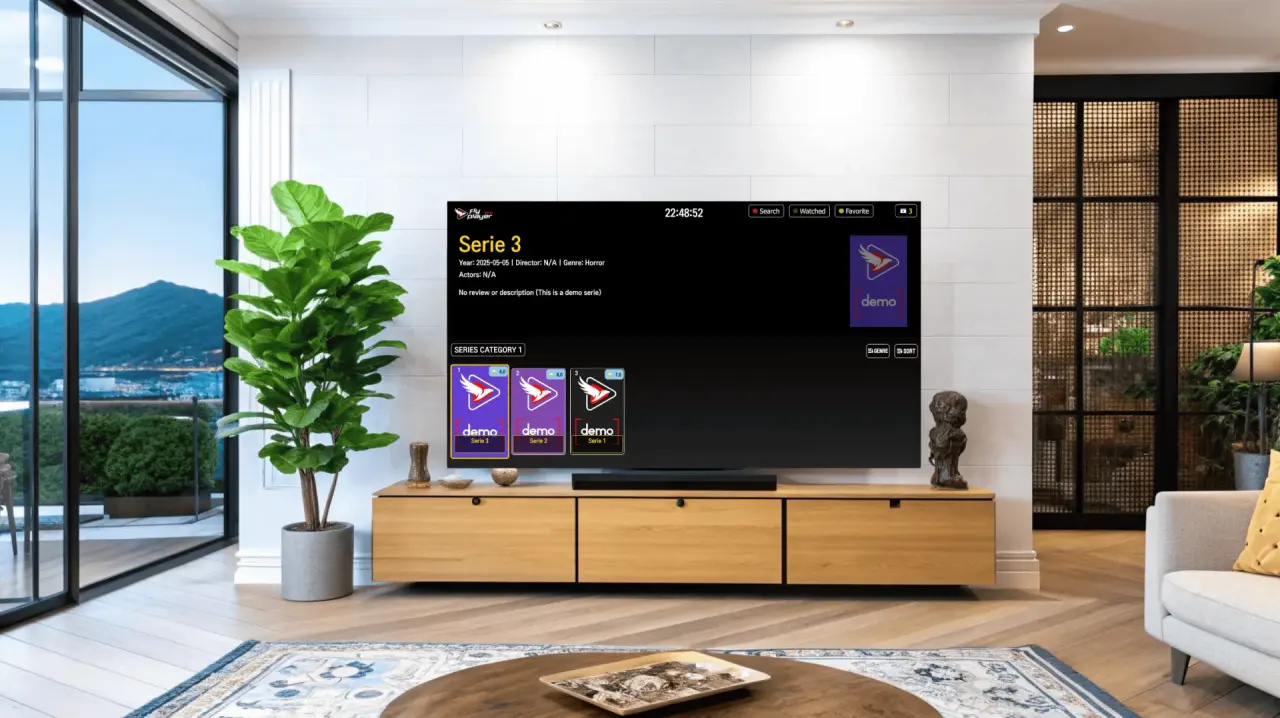
Smart TVs, set-top boxes, phones and computers — pick your platform.
 Available
Android TV, phones and set-top boxes (Android 7+).
 Available
Enter this code in the Downloader app to install instantly.
Watch how to activate the app, manage your playlists and enjoy Live TV, movies and series on your Smart TV.
Quick answers to the most common questions.
Yes. Add every TV to one web panel, name it by room and see the status and license expiry of each device.
Yes. Upload your own logo in the panel and it is shown in the app instead of the FLY Player Pro logo.
Yes. Send a text message, optionally with a video, to your room TVs straight from the panel.
No, you must provide your own playlist. The app is designed purely as a media player that allows users to connect their own playlists from legal service providers.
Switching from WiFi to Ethernet can in some cases cause a different MAC, but in most cases the MAC will not change.
Yes. Demo and yearly plans can be moved to a new TV free of charge. Lifetime licenses can also be transferred to a new TV for a one-time transfer fee — contact support to arrange it.
Your TV might not support the same stream formats.
Make sure it's valid and active. We can't access your playlist for privacy reasons.
Check your internet connection before contacting support.
Not built-in, but it works if your provider supports EPG.
Your playlist may have restrictions. We cannot help with playlist issues.
Yes, auto reconnect stream is working in every case.
Open the flyplayer.pro page, go to Activation and follow the on-screen payment instructions.
No, each TV requires its own activation using a unique MAC and PIN combination.
Make sure you enter the correct MAC and PIN exactly as shown in your TV app — they are case-sensitive and must match your activation details.
7Day free trial Bring your own playlist — we bring the experience. Blazing-fast, fluid and beautiful on every screen.
7-day free trial · no content included · your playlist only
Tell us how many rooms you have — we'll help you set up every TV and manage it all from one place.